 RocketScope
The flight, the way it will happen
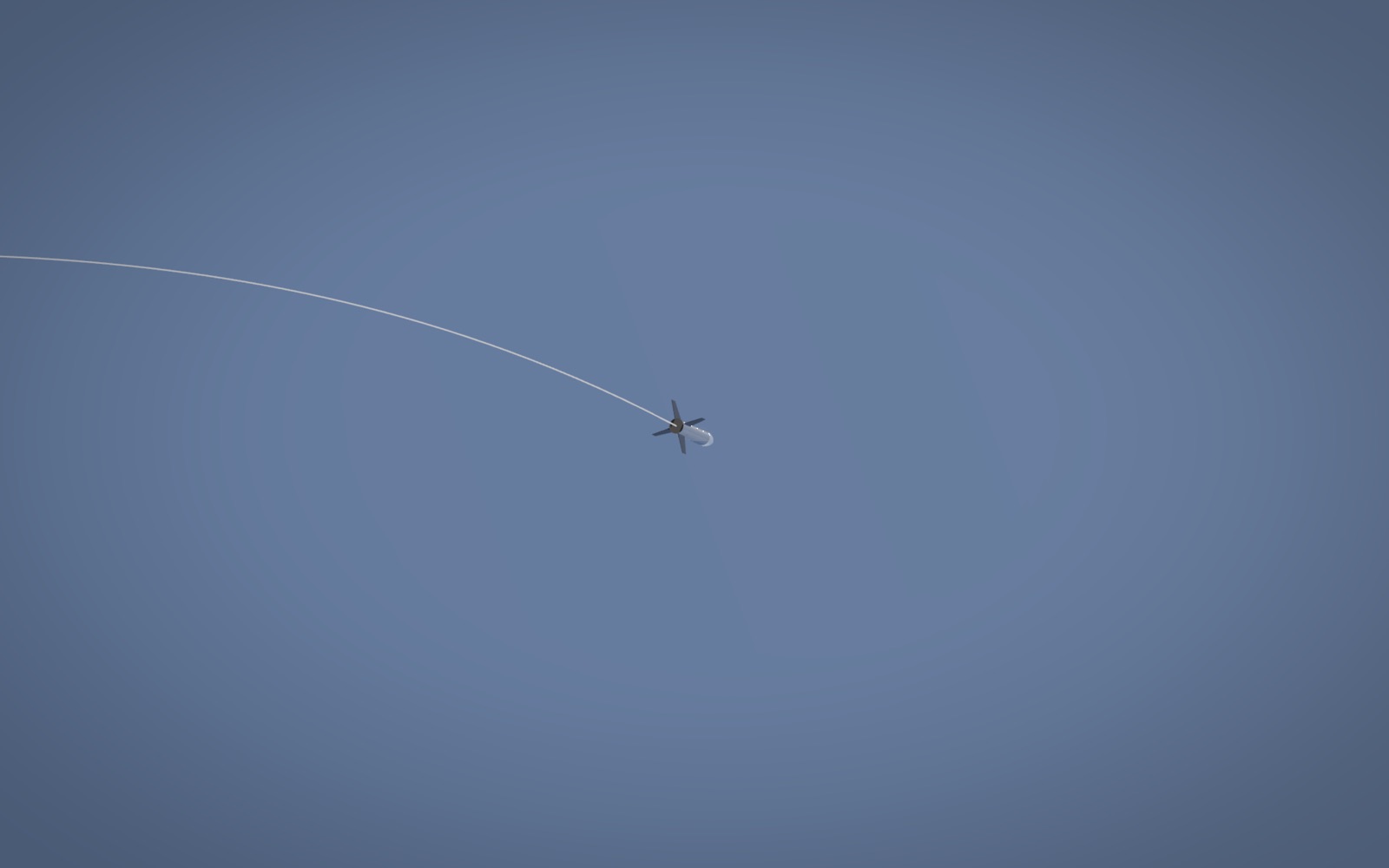
Drop in an OpenRocket file and RocketScope runs it through OpenRocket itself, then flies that exact trajectory in 3D: the climb, the arc over, the chute and the landing. No OpenRocket on your Mac? One button fetches it, and until then RocketScope flies its own model on the design's real thrust curve.
Bring your own rocket
Each tool does the part it is best at. RocketScope puts them in one place.
-
Drop in your CAD
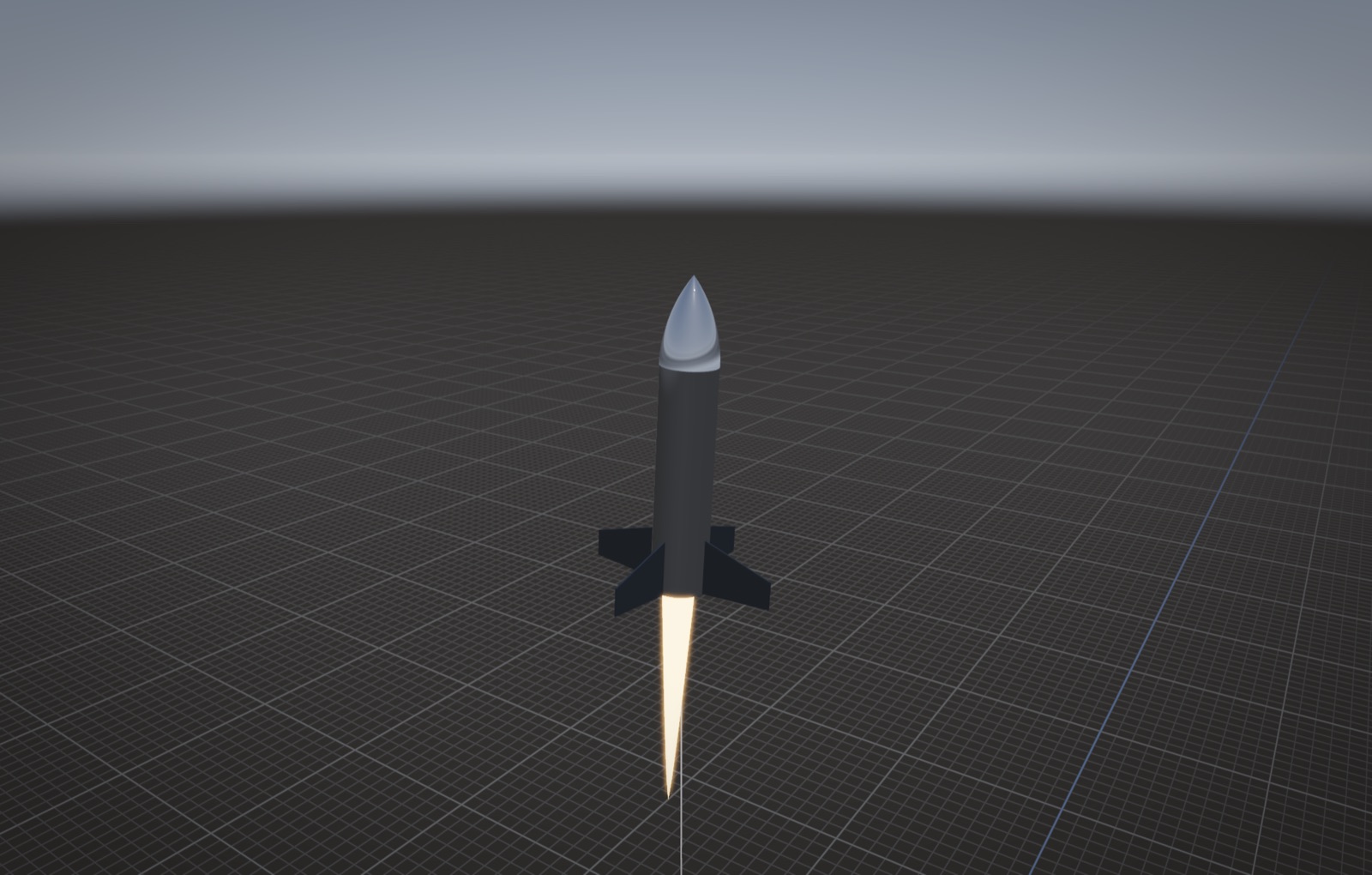
Export an STL or OBJ from Fusion and drop it on the window. That is the model you will see fly.
-
Drop in the .ork
Drop the OpenRocket file on top. RocketScope runs it in OpenRocket and your CAD flies OpenRocket's trajectory.
-
Add the CFD
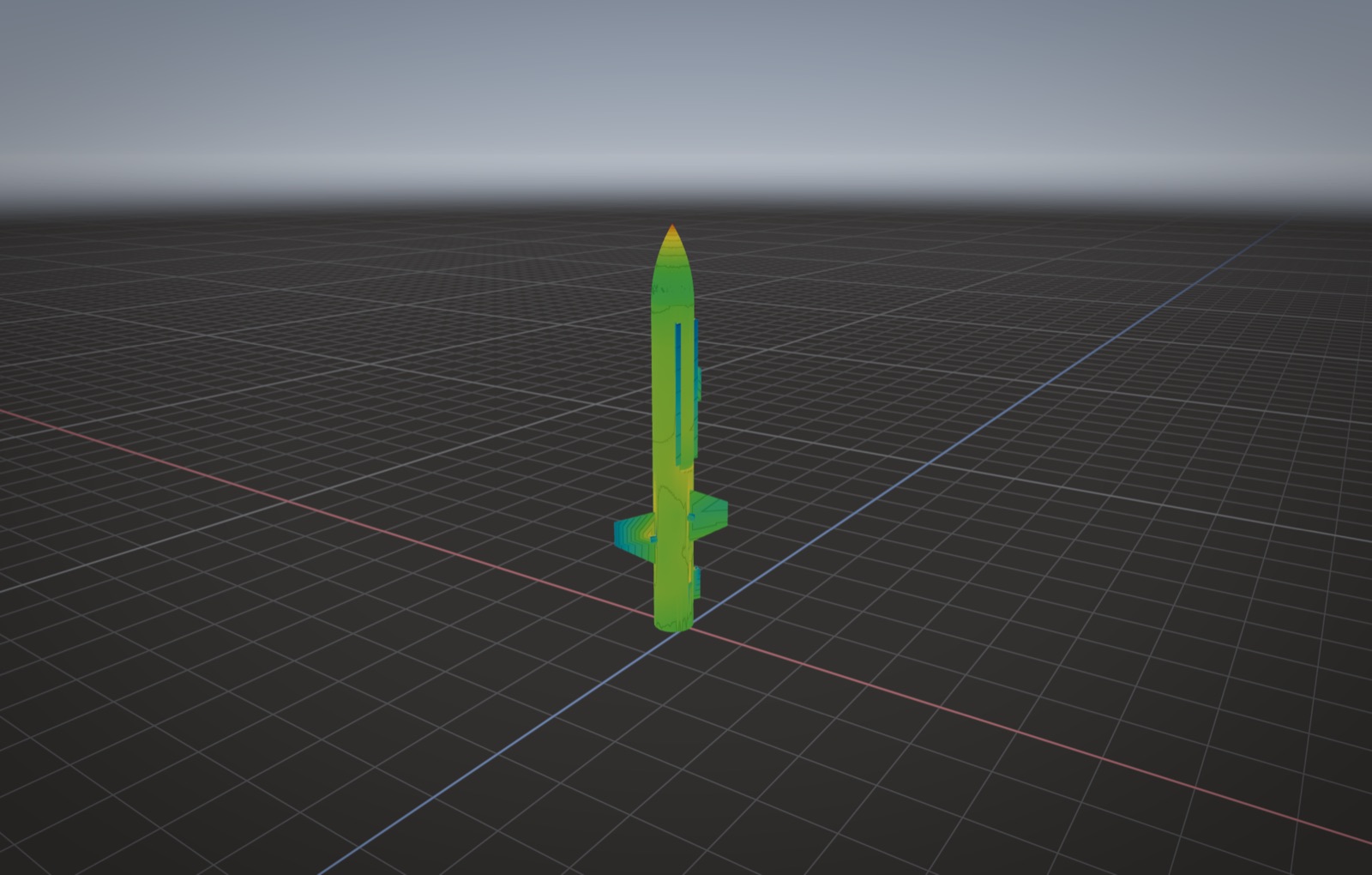
View, Open Airflow Case. The real drag replaces the estimate, and the trust grade and findings show next to the pressure scale.
Moves like Fusion
Middle-drag to pan, Shift and middle-drag to orbit, scroll to zoom at the cursor. On a trackpad: two fingers pan, Shift and two fingers orbit, pinch to zoom. C switches between the follow camera, the ground camera and a free view.
Installing
Open the disk image and drag RocketScope into Applications. It is signed by STUHI and notarised by Apple, so it opens like any other app.